Buying an image for personal use and buying one for a commercial project are not the same thing, and the difference matters. Here is a plain-language breakdown of what a commercial-use licence on Picster covers, so neither buyers nor artists are left guessing.
What the licence covers
When you purchase a commercial-use licence on Picster, you are buying a one-time, non-exclusive right to use that specific image in revenue-generating or promotional work. That includes things like:
- A social media advertisement for a product or service
- A website header or landing page for a business
- Printed marketing material such as brochures, flyers, or packaging
- Editorial content published on a commercial platform (a paid newsletter, a company blog)
- Presentations or pitch decks used in a business context
The licence is tied to the single download you purchased. If you need the same image for a second distinct project or client, you purchase it again. That is how the one-time credit system works in practice: you top up your wallet with credits (each credit costs €0.10, with prices in other currencies like AUD converted from euros at the live rate), spend them on individual downloads, and each transaction stands on its own.
What the licence does not cover
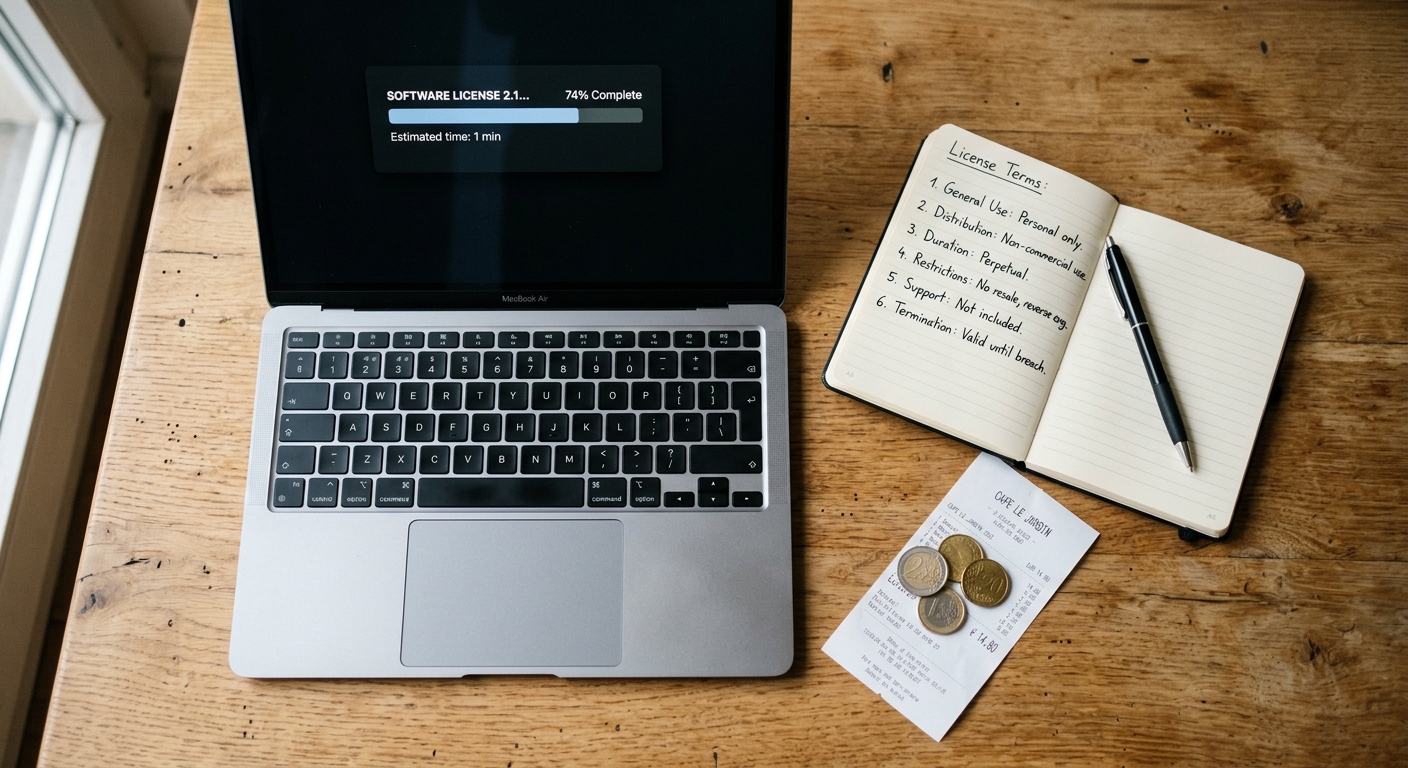
A commercial-use licence is not a transfer of copyright. The artist retains ownership of the work. You cannot resell the image as a standalone file, include it in a template product that other people then redistribute, or claim the image as your own creation. Sub-licensing is not permitted.
High-volume physical print runs — think tens of thousands of product units with the image on them — may require a separate arrangement directly with the artist. If your use case is that large, it is worth messaging the artist before you purchase. Picster keeps commissions at a flat 50 percent, so artists are already earning a fair share on every sale, and most are open to discussing extended terms for bigger jobs.
How the transaction works in practice
There is no subscription on Picster. You top up your wallet when you need to, spend credits on the files you actually want, and the money moves from there. Artists see their earnings accumulate in their own in-app wallet and can request a payout directly through it — no waiting for a monthly cycle or hitting an arbitrary threshold before the process can start.
The images that appear in the featured queue have been reviewed by a human, not ranked by an algorithm chasing engagement. That means when you are browsing for something to use in a real project, the work you see has been looked at and considered, not just auto-promoted because it collected clicks.
If you are unsure whether your specific use case falls inside the licence, the safest move is to read the licence text attached to the listing or contact the artist directly. A clear question asked before download is much easier to sort out than an ambiguous situation after the fact.